
This post is part of a blog series.
With Oracle 12c’s introduction of Multitenant architecture, managing Data Guard setups became challenging when adding new databases to the primary CDB. In 12c Release 1, adding a pluggable database (PDB) would crash standby recovery. Release 2 improved this by offering the standbys=none option, letting you skip recovery for new PDBs. However, you then had to manually copy the new PDB to the standby and re-enable recovery. Otherwise, some PDBs ended up unprotected by Data Guard.
My colleague Sinan blogged about the pre-21c behavior here: https://database-heartbeat.com/2022/01/24/hot-clone-remote-pdb-in-data-guard/
With Oracle 21c (and in 26ai), creating or cloning a new PDB in the primary CDB now automatically copies it to the standby CDB and includes it in recovery: no interruptions or manual steps needed. Just ensure the standby CDB is open in read-only mode.
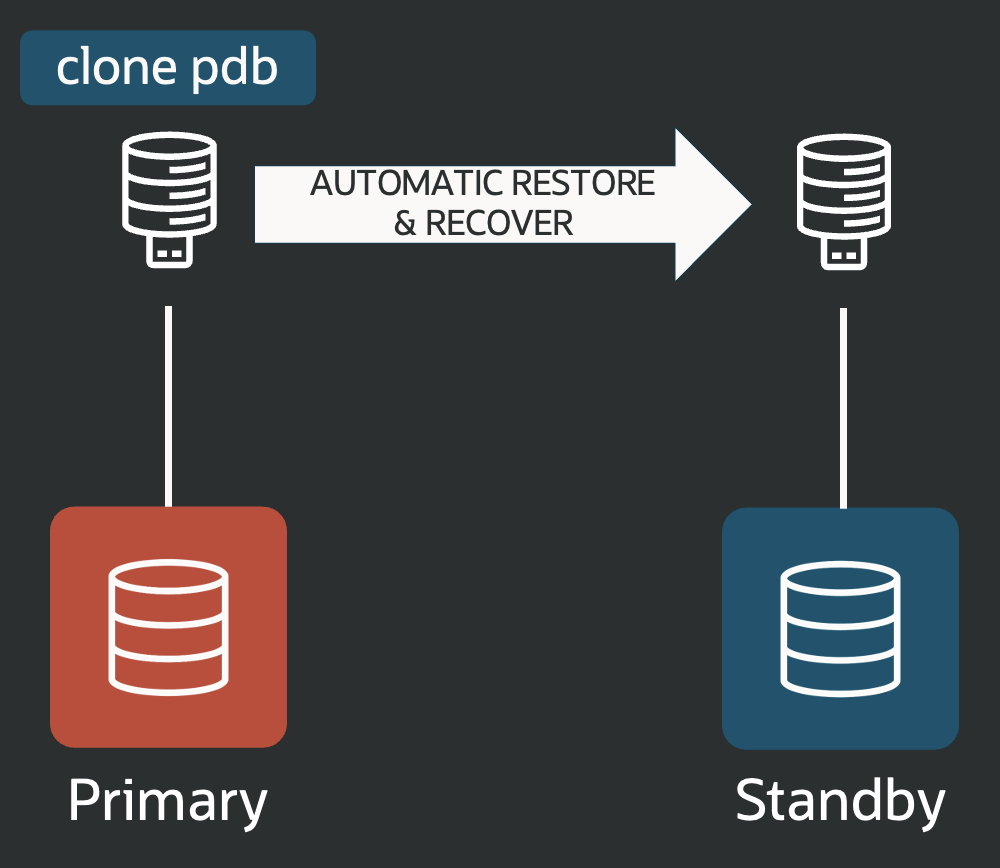
This greatly simplifies working with the Multitenant architecture, which is now mandatory in 26ai.
Note: This feature works only for new or cloned PDBs, created locally or remotely. It does not support plugging in existing PDBs using a manifest file.


Latest posts by Ludovico (see all)
- Data Guard 26ai – #26: Fast-Start Failover Lag Histogram - April 7, 2026
- Data Guard 26ai – #25: New view V$FAST_START_FAILOVER_CONFIG - April 2, 2026
- Data Guard 26ai – #24: Validate DGConnectIdentifier - March 13, 2026